 Americano Padel Manager
 A player arrives late or leaves before the end: what now?
Remove that player from the tournament instead of leaving an empty slot, then let the schedule recalculate itself around the players actually on site. The matches already played and the points already won stay untouched, the unplayed matches are cancelled, and the remaining rounds are regenerated for the players who are still there. With an app, the whole thing takes a few seconds.
It is the most ordinary situation of a padel evening, and the one that wrecks a tournament most often: someone is stuck in traffic, someone has to leave before the last round, someone rolls an ankle in the third match. Here is how to handle each case without redoing everything.

The three situations that actually happen
They look alike from a distance, but they are not handled the same way.
The latecomer
He confirmed he was coming, the tournament has already started, and he shows up in the second or third round. The draw was built without him, so he does not exist anywhere in the pairings.
Only two options: bring him into the running tournament, or explain that he will play the next session. It all depends on the format, and we come back to that below.
The early departure
He knew from the start that he had to leave early, or something unexpected came up. He has played two or three rounds, he has points on the leaderboard, and off he goes.
This is the most frequent case, and the easiest one to handle cleanly: his played matches count, his upcoming matches simply stop existing.
The injury or the retirement
Same treatment as an early departure, with one nuance: it is usually abrupt, right in the middle of a round, sometimes during a live match. The organiser has to settle the interrupted match on the spot, and the rest of the tournament recomposes without him.
What it actually breaks
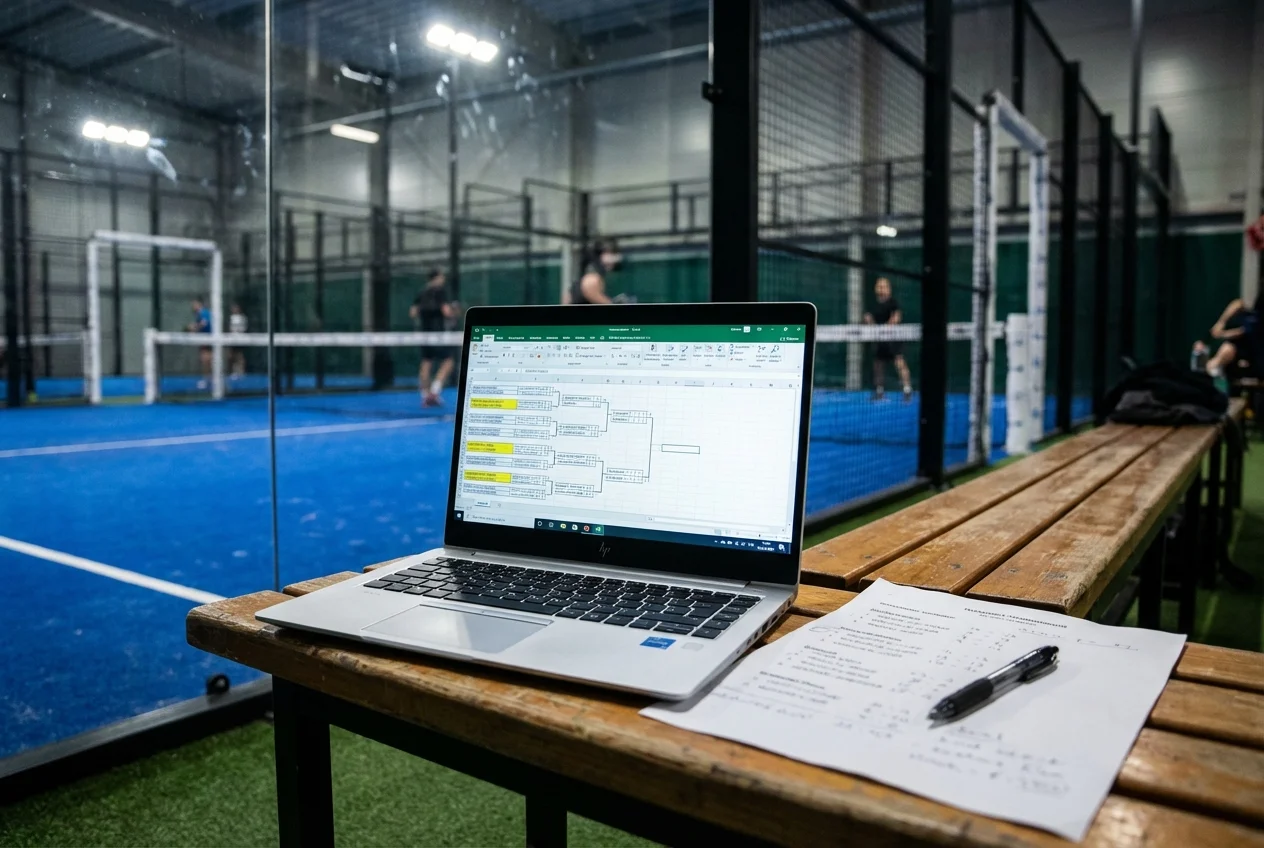
On a paper draw or a spreadsheet, a roster that changes halfway through triggers a chain reaction.
An Americano tournament is built on a rotation calculated in advance: every player is paired with every other, round after round. Removing a player breaks that rotation. Every match he appeared in becomes unplayable, and his scheduled partners end up with one match fewer than everyone else.
The standings then become debatable. A player who has played four rounds and a player who has played six cannot be compared on a raw points total. And if you leave the departed player in the final standings, he sometimes finishes ahead of players who went the distance.
Finally, there is the way byes are shared out. Going from twelve players to eleven changes how many players sit out each round. Without a recalculation, the same people keep sitting down.
The solution in Americano Padel Manager
Since version 3.2, the roster of a tournament that has already started can be edited straight from the tournament settings. That is the only entry point, deliberately: neither the standings nor the round list carry these actions, so nobody taps them by mistake in the middle of a match.
Removing a player, with a preview before you confirm
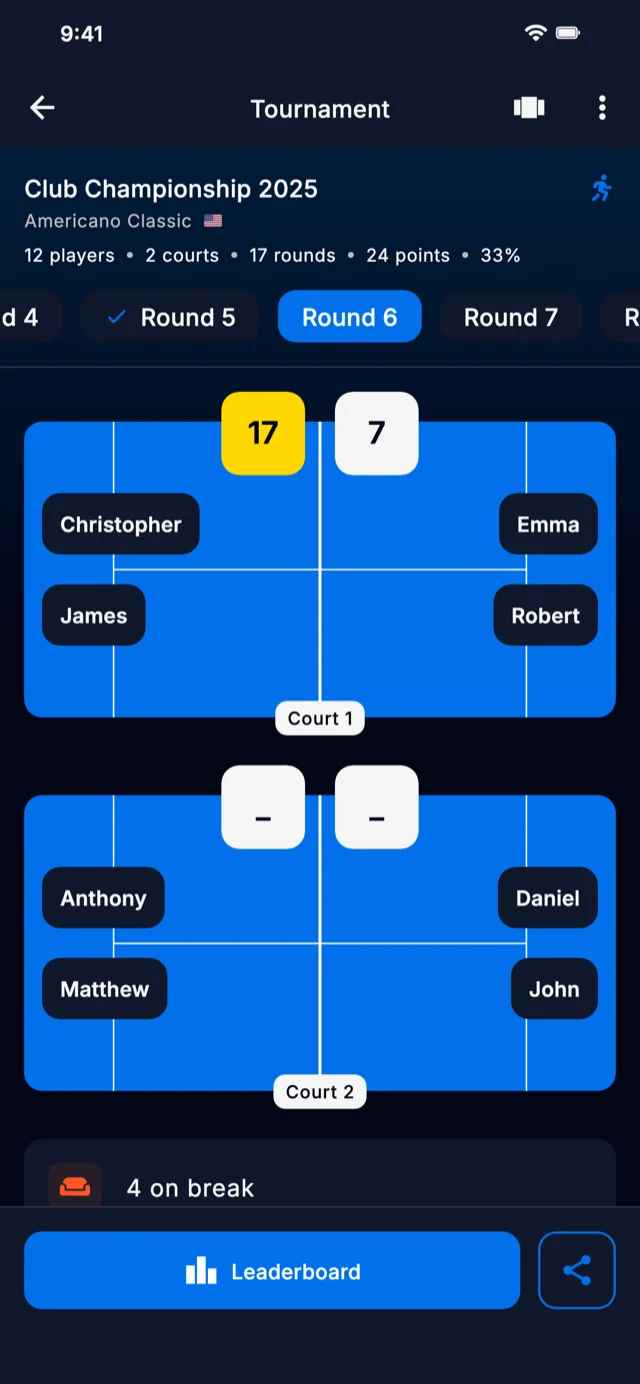
You open the settings, you pick the player, and the app calculates the new schedule before applying it. The confirmation dialog tells you how many rounds there were before and after, plus how many matches get cancelled. So you see exactly what the removal produces, for example a tournament going from twenty rounds down to fifteen, and you confirm knowing what you are getting.
Once confirmed, everything applies in one block:
- Matches already played do not move. They keep their round, their court and their scores.
- The current round is reorganised. The leaver’s unplayed matches are cancelled, and the round’s remaining matches are packed into as few rounds as possible, filling the free courts first.
- The following rounds are regenerated from scratch with the remaining players, with a clean rotation and byes shared fairly across the new roster.
The points earned by the departed player are kept in the database, but he leaves the displayed standings, the podium and everything derived from them. The final standings therefore only compare players who went all the way.
One safety rail
The removal is blocked if it would leave fewer than four active players, since no match would be possible any more. Below that threshold the tournament ends, it does not recompose.
What changes depending on the format
This is the most important nuance in this article, and the one organisers often discover too late.
In Americano: a departure is final
In classic Americano you can remove a player, and that removal is final. The confirmation message says it plainly: played matches and points are kept, the operation cannot be undone.
There is no adding a player mid tournament in this format, and that is not an oversight. The Americano rotation is a complete plan calculated for a given roster, where every player has to meet every other one. Slotting somebody in at the third round would mean reshuffling everyone’s cards, including pairings already played.
So for a latecomer in an Americano, the honest answer is: he plays the next session, or you start a fresh tournament with him in it.
In Mexicano: everything is reversible
Mexicano works differently, because it rests on no pre built plan. Each round is created from the standings at that moment, so the roster can move without breaking anything.
You can add a player, mark one absent, and bring him back as many times as you need, between two rounds as well as in the middle of one. The app message is explicit every time: a return stays possible at any moment.
A player added along the way is not drowned for it. The app gives him a played match offset matching the least used active player, which puts him straight at the front of the queue for the next trips onto court, without giving him an absolute priority that would force him into every round. And if the last generated round has no score yet, the app offers to redraw it so he can join immediately.
That is what lets you run a Mexicano as a league: a tournament that lives across several weeks, where you declare at each session who is present. The standings are continuous, absent players keep their points and pick them back up when they return.
⚠️ Formats concerned
These mid tournament roster changes apply to the classic formats, classic Americano and classic Mexicano. The Mixed and Team variants keep their usual behaviour for now, since their composition constraints call for a different treatment.
Ranking players who have not played the same amount
As soon as a roster moves, players no longer all have the same number of matches, and the standings deserve an explicit decision. The app offers two modes, changeable at any time.
Total points, the default mode, ranks on cumulated points and awards compensation points to the player who has played fewer matches than the others. That is the usual behaviour, suited to small gaps in participation.
Average ranks on the average points per match played. Missing matches are no longer compensated, they are simply neutralised by the calculation. It is the clearest mode when one or two players have missed several rounds, typically in a Mexicano run as a league.
In most tournaments the two modes give the same order. They diverge precisely in the situations described in this article, which makes it a setting worth knowing.
If you do not have an app
Managing it by hand is still possible, with trade offs you accept up front.
The most common solution is the substitute player: somebody who takes the leaver’s place for the remaining matches. The draw is not touched, but the standings get shaky, since two people share one line of results.
Another approach is to leave the slot empty and cancel the matches involved. Simple, but the scheduled partners each lose a match, and you will have to decide their compensation in the standings by hand.
The rigorous method is to redo the draw for the remaining roster, starting from the next round. That is what the app does automatically, and it is doable with a pen up to eight players. Beyond that, count a good fifteen minutes during which nobody plays. Our guide on the number of players in an Americano details the rotations by roster size, and the one on odd numbers explains how byes are shared when the count does not work out evenly.
Frequently asked questions
Can you add a player to an americano tournament that has already started?
No, not in Americano. The format rests on a rotation calculated in advance for a given roster, where every player has to be paired with every other. Inserting a player along the way would force you to redo every pairing, including the ones already played. In Mexicano, on the other hand, adding is possible at any moment, because each round is built from the standings at that moment.
What happens to the points of a player who leaves before the end?
His points stay his and his played matches are kept as they are. In Americano he leaves the displayed standings for good, so the final standings only compare players who stayed to the end. In Mexicano his departure is reversible: his points wait for him and he takes his place back in the standings as soon as he returns.
How do you fairly rank players who have not played the same number of matches?
Two approaches. Ranking by total points awards compensation points to players who have played fewer matches. Ranking by average points per match neutralises the gap by construction, with no compensation. The average mode is clearer as soon as the participation gaps get large, for example in a tournament spread over several sessions.
A player gets injured mid match, what do you do with the live match?
The organiser decides on the spot, usually by validating the score at the moment play stopped. The match then counts as played and the points are awarded normally. The player is then removed from the tournament, which only cancels his matches that had not started and regenerates the following rounds for the remaining players.
How many players do you need at a minimum to carry on with a tournament?
Four active players, since it takes four people on a padel court to play a match. Below that, a further removal is refused. If the roster drops to three, the tournament ends with the standings as they are.
Should you plan for a substitute in a club tournament?
It is no longer necessary if your tool knows how to recalculate the schedule. It was the historic workaround because redoing a draw by hand cost far too much time. A substitute is still handy to keep a round roster, for example twelve players on three courts, but it mixes two people on a single standings line.
A tournament that loses a player should not stop turning. The right answer is almost always the same: record the departure, keep what has been played, recalculate the rest for those who stay. Everything else is a matter of tooling.
Americano Padel Manager does exactly that from the tournament settings, with a preview of the new schedule before you confirm, and handles Mexicano as a league where everyone comes and goes from one session to the next. The app is rated 4.9 out of 5 and used in more than 75 countries, with a free download on iPhone and Android and a 7 day premium trial. To get your next session ready, read our guide to organising an Americano tournament.